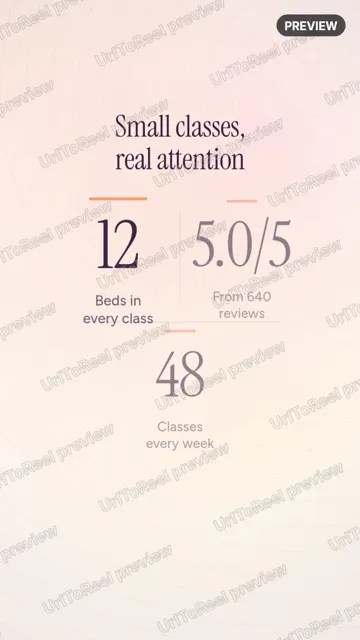
Make and edit
$0
No card needed
Turn any link into four reels and change them as much as you like.
- Four reels from every link
- Every format and size
- The full editor, music and sound
- Previews with a watermark
Paste a link. Post a reel.
Paste your website link and get 4 short videos made from your own site. Ready for Reels, TikTok and Shorts.
4 reels in about 5 minutes. Free to make and edit.
People have made reels from 111 different websites so far. Here are 2 of them, shared with permission, next to the page each one came from, plus a public product page we tried ourselves.
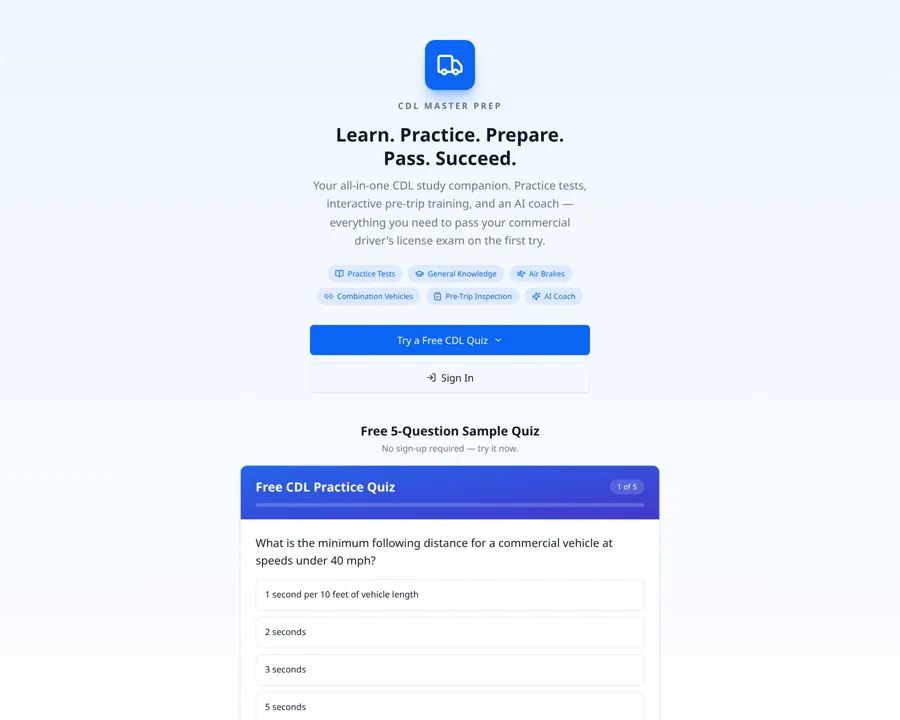
“Made it for my new web app, love it. I'm going to tell everyone I know and don't know about this. Great job”
Pete Biltzcdl-master-prep.com (opens in a new tab)
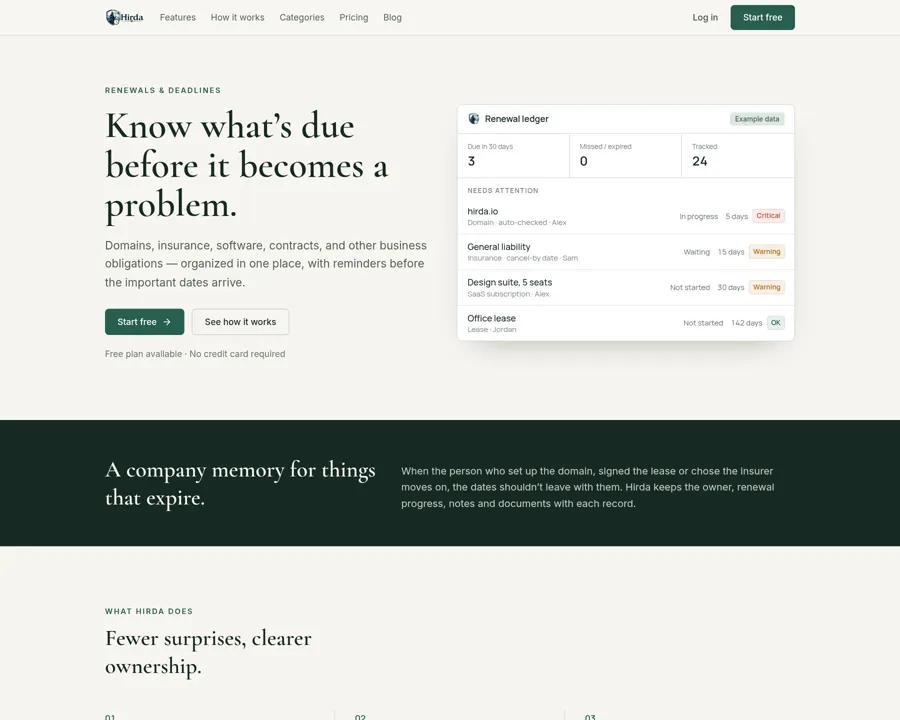
“I like it it’s fun. Super easy to use.”
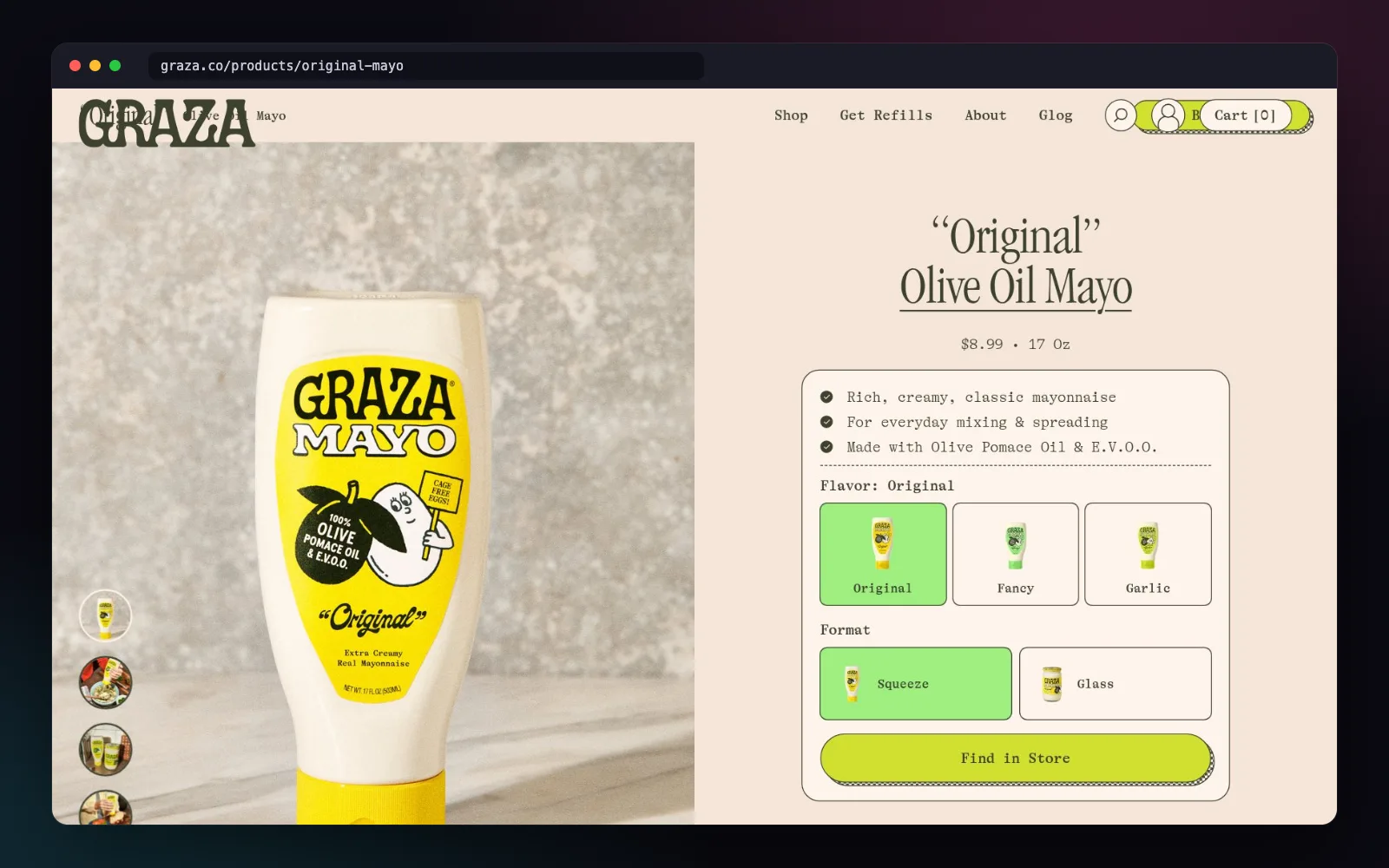
A public product page we tried. We're not affiliated with Graza.
This is the app itself, recorded in one go. We sped up the few minutes it spends making the reels. Everything else plays as it happened.
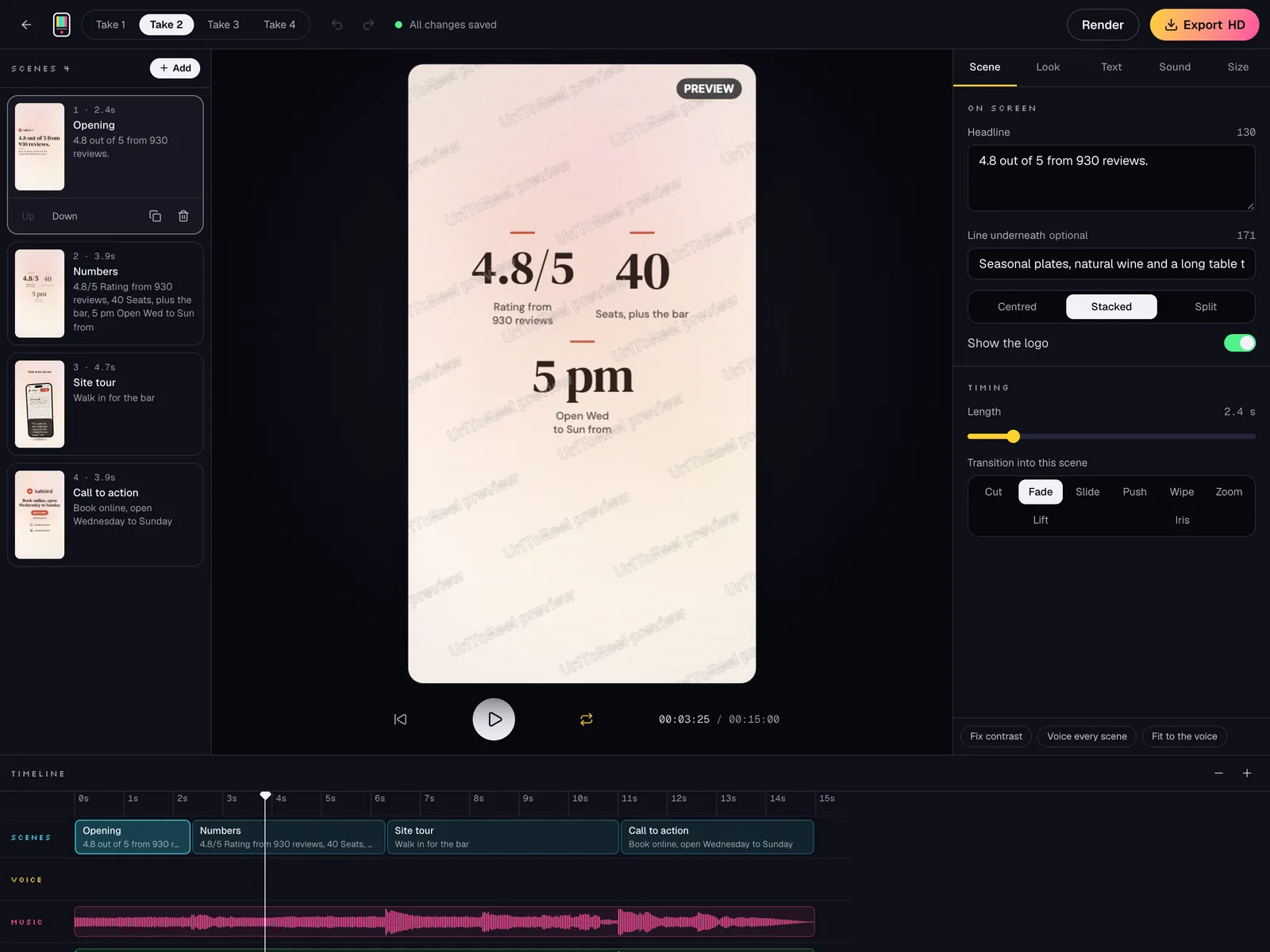
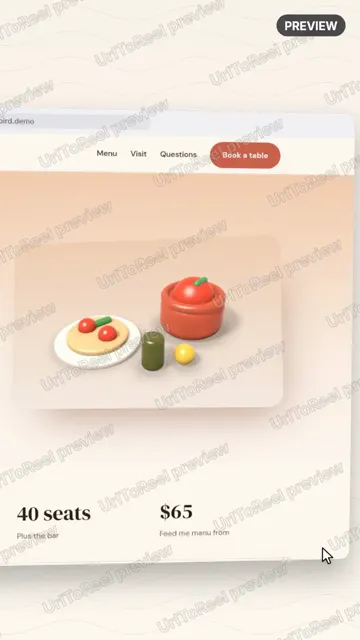
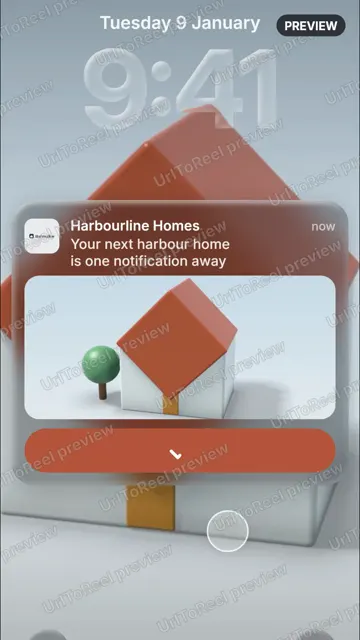
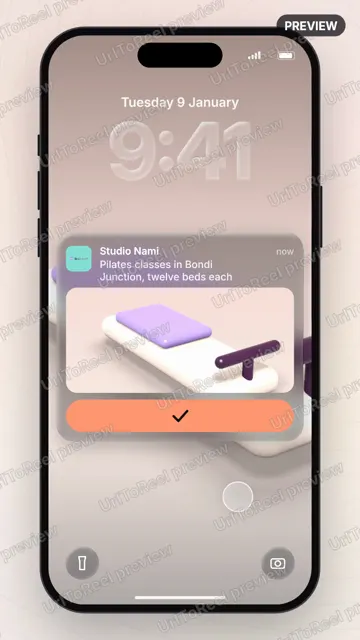
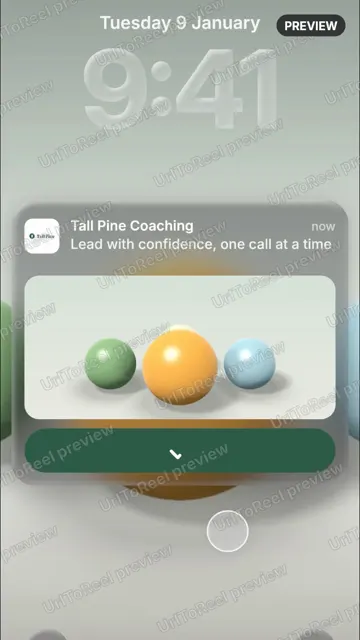
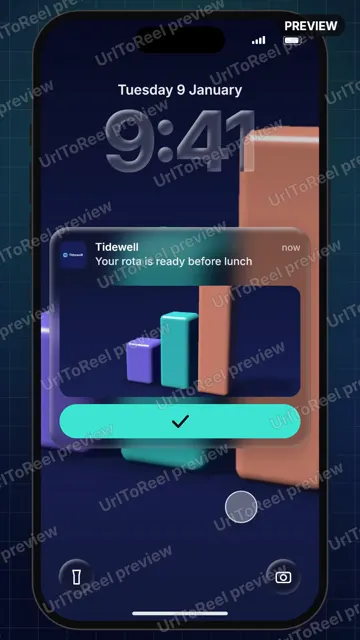
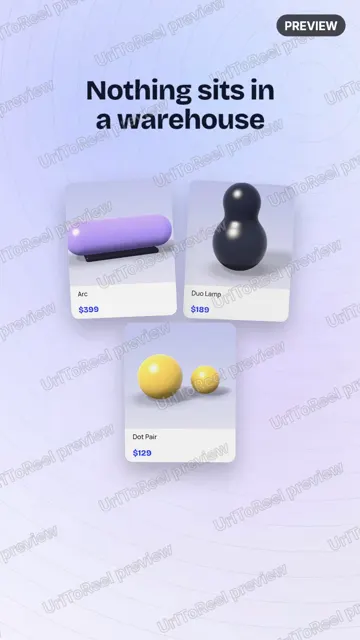
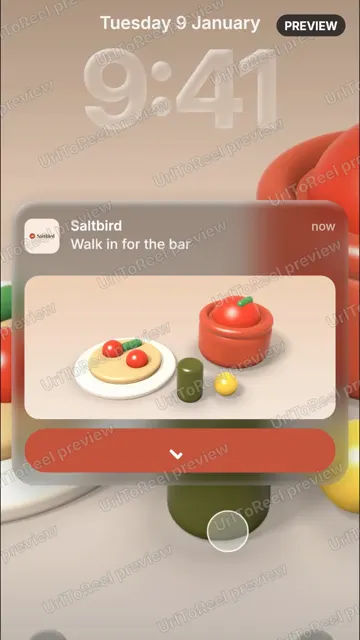
We made a few small sites to test it on: a speaker store, a scheduling app and a pilates studio. These reels are exactly what came out, with nothing touched up.
Change any word, picture, colour or song. Only the take you're working on renders again.
Every link gives you 4 reels to edit as much as you like. When one is ready to post, 1 credit downloads it in full HD without the watermark.
$0
No card needed
Turn any link into four reels and change them as much as you like.
$5was $7.5033% off
One payment of $5
Two HD downloads, or a voice-over on every take from one link.
$10was $2050% off
One payment of $10
For a launch or a month of posts, with voice-overs on the reels that matter.
Prices in US dollars. You pay once, there is no subscription, and credits never expire.
I'm Masab Farooque, and I build and run UrlToReel myself. Bug reports, feature requests and support emails all come straight to me.
The reel here is one of the 4 it made from my own site, masabfarooque.com, with nothing changed.
If something in your reels looks wrong, write to me and I'll look at it myself. hello@urltoreel.com
Masab Farooque, maker of UrlToReel
Each page shows an example and what tends to work.
Something else? Ask us directly
URL to Reel, also written UrlToReel, turns a website link into short promo videos. Paste the address of any public page and about 5 minutes later you get 4 reels made from it, ready for Instagram, TikTok and YouTube Shorts.
Only the HD download. Making reels and editing them is free, and the previews carry a small watermark. Credits come in packs, 2 for $5 or 5 for $10. 1 credit downloads a take in full HD with no watermark, and if you change that take later, downloading it again costs nothing. A voice-over costs 2 credits for every take from one link, and you get them back if the reels cannot be made.
No. You can make and edit reels without signing up. When you buy credits, we use the email from your payment to keep your reels and credits safe. To use them on another device, ask for a sign-in link and we email it to you.
Usually four to 6 minutes for all 4 reels. You can watch each one render as it happens.
Any public page that loads without a login: online stores, SaaS products, portfolios, restaurants, events, blogs. We can't record pages behind a login, a paywall or a captcha.
Yes. The reels are yours to post anywhere, paid or organic. You need the right to use what is on the website, so stick to your own sites or sites you have permission to promote.
It's free until you download, and it takes about 5 minutes.